What Causes Duplicate Data Entry in the Company?
What causes duplicate data entry, and how does it increase errors, delays, and costs? Identify the true causes of the process across the entire company in a timely manner.
Short Answer
Duplicate data entry leads to increased errors, delays, and costs. Identifying the root causes across the company is crucial.
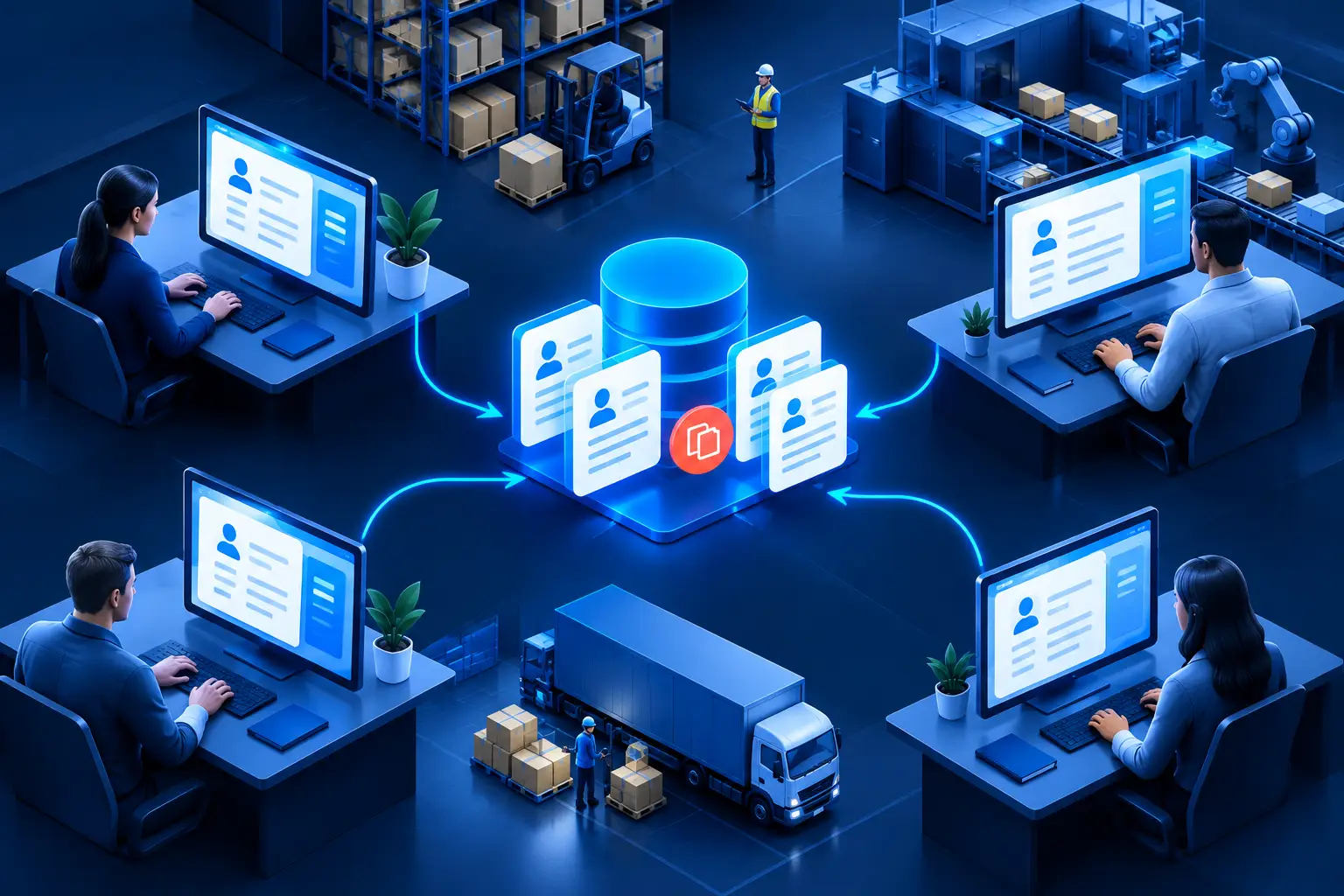
Someone opens the webshop admin interface every morning, downloads the previous day's orders, and manually records them in the business management system. Then the data is also sent to the warehouse in another spreadsheet, and the billing department checks the address and payment method once more. The question here is not simply what causes duplicate data entry. Rather, it's why people are holding together processes that should reliably pass information to each other.
Duplicate data entry is rarely the result of a single bad decision. It usually develops over years: a temporary spreadsheet becomes a permanent solution, a new system doesn't connect to the old one, or handling an exceptional case becomes part of the daily routine. Initially, the team can manage it. However, with increasing order volumes, more customers, new locations, or new sales channels, copying becomes not just a minor inconvenience but an operational risk.
What actually causes duplicate data entry?
The visible reason is usually that the same data is needed in two or more systems. An order appears in the webshop, the ERP, the warehouse system, the courier service interface, and the billing system. This is not a problem in itself. A company may naturally need multiple applications, and not every process should be forced into a single system.
The problem starts when it's unclear which system is the authoritative source of information and how data reaches the next point of use. If the answer is "Peter rewrites it every afternoon," then the process is not integrated. It relies on a human checkpoint, which can slow down, make mistakes, be unavailable during vacations, and be hard to follow.
There are often four interconnected operational reasons behind duplication:
- lack or uncertainty of information flow between systems;
- independent work methods developed by different departments;
- unclear data stewardship responsibilities;
- processes built on exceptions that have become standard operations over time.
Any of these can be enough for employees to repeatedly enter the same customer name, item number, shipping address, or production data. Together, however, they quickly increase administration.
Not always a technological error
It's easy to say that two systems don't communicate, so integration is needed. This is sometimes true, but not always the first issue to address. First, it's essential to understand why the same data appears in multiple places.
For example, sales might re-enter an order because orders from the webshop need business approval. In such cases, it may not be necessary to re-enter the entire dataset. Perhaps only an approval step, a status, or some exceptional data is missing from the original process.
Other times, copying is actually hidden quality control. A colleague checks and re-enters the address because the source system often contains incorrect or incomplete data. If this is simply automated, faulty data will reach the next system faster. In this case, before eliminating data entry, data validation, mandatory fields, or clearer customer data management may be needed.
The right question is not "which software solves it?" but "which step creates real business value?" Control, approval, and exception handling may be justified. Repeatedly typing the same information without changes usually is not.
The cost of different data versions
The direct cost of duplicate data entry is easy to calculate: how many minutes an employee spends on it, how many times a day, with how many people. However, the actual business impact is greater.
If a customer's address appears in three systems and is only corrected in one, three versions of the truth exist within the company. The warehouse prepares the shipment to the old address, billing uses different data, and customer service doesn't understand why statuses differ. The error may not be dramatic, but each correction can lead to another email, phone call, coordination, and credit note.
The same issue arises with inventory data, price lists, supplier item numbers, production parameters, and project statuses. Management often finds that everyone is working, yet reliable reports are unavailable. Not because there isn't enough data, but because data changes in multiple places, at different times, and under different rules.
The human consequence is also significant. Skilled employees' time is not spent solving customer problems, making procurement decisions, or analyzing production variances, but on copying and checking. This is frustrating work, and the process often relies on the experience of a single person. When they are absent, others not only lack the task but also the logic of the exceptions involved.
Where to start the investigation?
The most useful starting point is a specific, frequently recurring issue. It's not necessary to map out every system in the entire company at once. Choose an order, a new customer registration, a procurement request, or a production work order and follow its path.
It's worth asking: where is the data first generated? Who can modify it? In how many systems does it appear? Which transfers are automatic, and which occur via email, phone, or spreadsheet? Who checks the copying, and what happens in case of an error? Even this investigation can reveal the manual transfers previously hidden by daily routines.
It's important to distinguish between necessary and unnecessary repetition. For example, a production order may require separate production instructions and quality assurance records. However, these do not necessarily mean new data entry. Common base data - product ID, customer, quantity, deadline - should be passed on in a controlled manner, while each area only adds its own professional information.
Process first, then solution
Once the data path and the cause of duplication are known, several improvements can be considered. Sometimes it's enough to clarify which system is the source of master data and who is responsible for its maintenance. In other cases, an approval rule, unified form, or standardized item number structure eliminates the manual workaround.
If data really needs to be moved regularly between multiple systems, integration or targeted automation may be justified. The goal is not to eliminate all human decisions. The aim is for the system to forward what it already knows, while people intervene where judgment, exception handling, or business responsibility is needed.
Sometimes the existing system's capabilities are sufficient, but the right process was never established within them. Sometimes an intermediate solution is needed due to the limitations of an old application. And sometimes the amount of manual corrections indicates that the architecture needs to be reviewed. These are different investments and risks, so it's not worth pre-selecting the technology.
In the CGAT approach, duplicate data entry is not an independent administrative error but a signal: somewhere the reliable flow of information has broken down. The fix will be lasting if it not only eliminates copying but also clarifies responsibility, data sources, and exception handling.
The best first step is usually not to purchase a new system. Take a process where the team records the same data at least twice daily and ask: why does this even need to happen? The answer often reveals more about the company's operations than any software list.
Planning a similar system or integration?
Show us the current process and systems. We will help identify the lowest-risk next step.
Key Takeaways
- Lack or uncertainty of information flow between systems;
- Independent work methods developed by different departments;
- Unclear data ownership responsibilities;
- Processes built on exceptions that have become standard operations over time.
Frequently Asked Questions
What actually causes duplicate data entry?
The visible reason is often the need for the same data in two or more systems. An order appears in the webshop, ERP, warehouse system, courier service platform, and invoicing. This is not inherently a problem. A company may naturally need multiple applications, and not every process should be forced into a single system.
Where is it best to start the investigation?
The most useful starting point is a specific, frequently recurring issue. It's not necessary to map out every system in the entire company at once. Choose an order, a new customer registration, a procurement request, or a production work order, and trace its path.
Related Engineering Insights
Evaluating Business Process Audits in Practice
Evaluating business process audits reveals where time and data are lost in operations, ensuring that improvements deliver real business results.
How to Speed Up Warehouse Picking?
How to speed up warehouse picking without errors and overload? Identify the causes of slowdowns in the process, data, and warehouse in time.
The Complete Guide to Process Optimization Projects
The Complete Guide to Process Optimization Projects demonstrates how to sustainably reduce manual work, errors, and lead times across all areas.