Legacy ERP Modernization: A Real-World Example
The example of legacy ERP modernization demonstrates how manual work can be reduced, data quality improved, and business continuity maintained more securely.
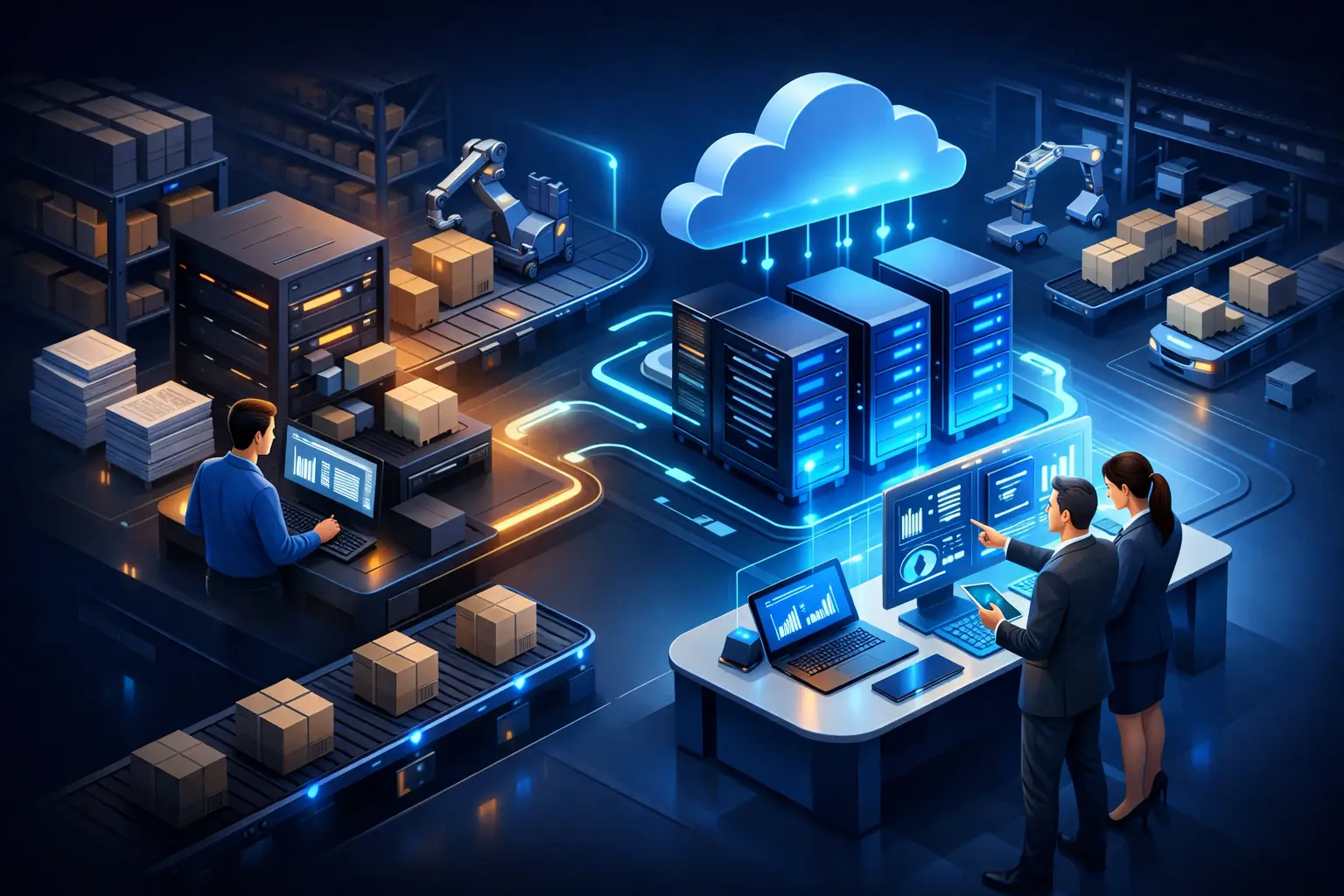
Short Answer
Legacy ERP modernization shows how to reduce manual work, improve data quality, and maintain business continuity more securely.
Every Friday morning, finance started with the same routine: export from the old ERP, corrections in Excel, coordination with the warehouse, followed by further coordination with sales. By the time the management report was ready, the data was already partially outdated. This legacy ERP modernization example is not about an extraordinary IT situation but a typical growth problem: the system still works, but the manual processes built around it consume more time, attention, and risk.
Replacing an old ERP might sound like a technological project. In reality, it's a business decision. The ERP holds order histories, product masters, inventory movements, billing rules, purchasing routines, and often exceptions developed over years. Attempting to solve this with a single large transition risks not only the system but also operational security.
Legacy ERP modernization example: it didn't start with the system
The example involves a multi-location technical wholesaler employing about 90 people. The old ERP managed inventory, procurement, orders, and part of the billing. The program was stable, the staff knew it, and it wasn't reasonable to claim it was unusable on its own.
The issue was more about what happened before and after the ERP. Webshop orders were imported daily, but incorrect item numbers were manually corrected. Prices for key customers were listed in separate spreadsheets. The warehouse worked from lists printed from the ERP and reported picking discrepancies via email. A clerk copied transportation data to an external interface. For weekly inventory and margin reports, managers requested data from three different sources.
The company's initial statement was simple: a new ERP is needed. However, the investigation revealed that a significant portion of daily problems did not stem from the ERP's age. The problem was that business processes had changed over time, but the work methods associated with the system had not followed suit.
For example, the same data was checked three times during order verification: first by the salesperson, then by the credit limit responsible colleague, and finally by billing. This was previously justified control when few orders were received and many unique conditions existed. However, with the current volume, most orders were standard. The principle of control wasn't flawed, but the fact that every order followed the same manual path was.
Identifying the situation: what really slows down operations?
In the first phase of modernization, they didn't create a software list. They traced the path of information from order receipt to delivery and billing. At each step, they asked the same questions: who initiates the work, what data do they work from, where is the information rewritten, who needs to approve it, and what happens in case of an error?
Four important findings emerged from this:
- Order data was repeatedly entered into different systems at multiple points.
- Inventory information was not available from the same point in time in the webshop, sales, and warehouse.
- The process developed for handling exceptions became part of normal operations.
- Several critical steps relied on the knowledge of an experienced employee without documented rules.
The latter was particularly risky. When the colleague responsible for transportation administration was on leave, others could take over the task but more slowly and with more errors. Not because they weren't capable, but because some business rules existed only in that person's mind.
The investigation didn't mean that every manual step had to be eliminated. For certain orders - such as unique pricing, shipping restrictions, or non-standard product compositions - human verification remained justified. The goal was to ensure routine tasks didn't occupy the same attention needed for exceptions.
The solution: gradual modernization, not blind replacement
The management ultimately decided against an immediate full ERP replacement. First, they established which system was responsible for which data. The ERP remained the primary source for inventory, order status, and billing base data. The webshop didn't need to maintain its own inventory logic, and the warehouse didn't have to rely on email-received modifications.
Then they organized the repetitive data transfers. Webshop orders were entered into the ERP after rule-based checks. Orders meeting predefined conditions proceeded automatically. Incomplete addresses, credit limit exceedances, or unclear item numbers still required employee attention. Thus, control didn't disappear; only the subject of control became more precise.
For the transportation process, they didn't introduce a completely new logistics system. They first standardized what data was needed to create a label, how to handle partial shipments, and who was authorized to modify the address. Only then did they establish the data connection with the carrier service. Most of the time previously spent on copying was eliminated, while incorrect or incomplete data remained visible to responsible colleagues.
In reporting, a flashy management dashboard wasn't the first step either. They first had to clarify what exactly available inventory meant, which date counted as fulfillment, and how credits were handled in the margin. A quick report made from a faulty definition only spreads misunderstanding faster.
What should be preserved from an old system?
The legacy ERP often holds real business value. It may contain billing rules, product structures, or industry-specific features developed over years, which are easy to underestimate when introducing a new system. Therefore, modernization doesn't always mean replacement.
There are three realistic directions. The first is that the existing ERP remains, but the processes, integrations, and reports built around it are modernized. This can work well if the system is stable, data is accessible, and the main limitation is isolated operation.
The second direction is gradual replacement. In this case, a function - such as webshop integration, warehouse support, or management reporting - is taken over by a new solution, while the ERP temporarily continues to play a central role. This can reduce the risk of a one-time transition but requires serious architectural discipline. It must remain clear which system holds the valid data.
The third direction is full replacement. This may be justified if the ERP is no longer supported, its modification is disproportionately expensive, data extraction is uncertain, or it cannot handle fundamental business processes. Full replacement is not merely a system implementation: it is also a data quality, authorization, process, and training project.
Measurable results are not just the number of saved hours
For the company in the example, the administrative time for order processing decreased, but the more important change was predictability. The warehouse knew in advance which orders were urgent and which were waiting for verification. Sales answered fewer status inquiries. Finance didn't have to manually investigate the same discrepancies every week.
Therefore, the success of modernization should not only be measured by how many work hours were saved. It's worth monitoring the number of data corrections, order errors, lead time fluctuations, late-issued invoices, the time spent on manually compiled reports, and how many processes halt due to the absence of a single person.
The human impact is also significant. Employees don't become more valuable by copying data between systems faster. They can make better decisions, handle customers, or resolve exceptions if the system reliably performs routine tasks and makes problems visible.
The condition for a safe transition is operational discipline
A common mistake in ERP modernization is starting the project with a list of features: new interface, mobile access, automatic notifications, more dashboards. These may have their place, but they don't replace fundamental decisions about data ownership, approval rules, permissions, and error handling.
A well-managed transition should include data verification, testable processes, a rollback plan, and clear responsibilities. Running the old and new operations in parallel temporarily is justified in certain cases, especially in financial or production processes. However, this should be time-limited, as two parallel sources of truth create further uncertainty in the long run.
Therefore, the best first step is not selecting the new ERP. Instead, choose a process that visibly loses time every week: for example, the coordination between order and warehouse release, handling billing exceptions, or compiling inventory reports. If this path is factually mapped, they will not only see which system needs modernization but also what operations are worth leaving behind.
Planning a similar system or integration?
Show us the current process and systems. We will help identify the lowest-risk next step.
Key Takeaways
- Order data was repeatedly entered into different systems at multiple points.
- Inventory information was not available at the same time in the webshop, sales, and warehouse.
- The process designed for handling exceptions became part of normal operations.
- Several critical steps relied on the knowledge of experienced staff without documented rules.
Frequently Asked Questions
What slows down operations in reality?
In the first phase of modernization, they did not create a software list. They traced the path of information from order receipt to delivery and invoicing. At each step, they asked the same questions: who initiates the work, what data is used, where is the information updated, who needs to approve it, and what happens in case of an error?
What should be preserved from an old system?
Legacy ERPs often contain real business value. Over the years, billing rules, product structures, or industry-specific features may have developed, which can be easily underestimated when implementing a new system. Therefore, modernization does not always mean replacement.
Related Engineering Insights
The Future of Corporate Process Development by 2030
The future of corporate process development is not about new tools, but about the deliberate redesign of measurable, stable, and scalable operations for growth.
Process Automation or Process Improvement?
Process Automation or Process Improvement? We show when it's necessary to simplify work first and when automation adds value to operations.
Dashboard Design Guide for Business Leaders
Dashboard design guide for leaders: transform scattered data into a reliable, decision-supporting operational view every day, without unnecessary spreadsheets.